


Solutions for Staging, Picking, Truck Routes, & Dynamic Inventory Management
Upon submission at any site or upon submission via central approval, supply orders are available instantaneously at the warehouse. If the “virtual” stock [on‐hand (+) on‐order (‐) committed] is below what is required, a warning can be displayed (both to the ordering site and the stock clerk). Warehouse staff can easily pull supply orders into transfers by highlighting and clicking on orders. Picks lists can be generated by site or summarized for staging by delivery route, with sorting by location to optimize picking. Shipping tickets can then be arranged by order of delivery for optimal packing.
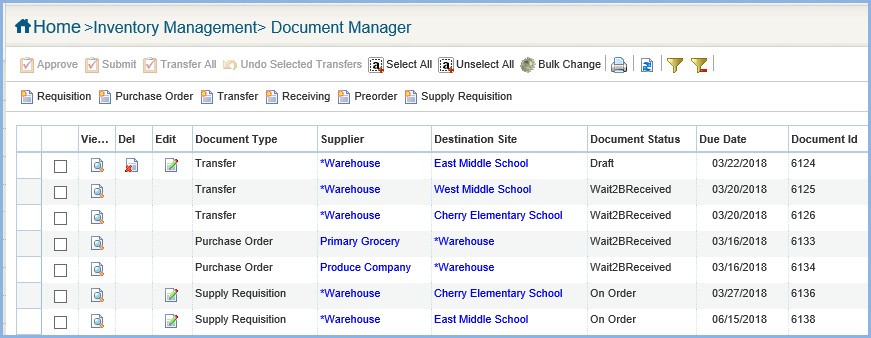
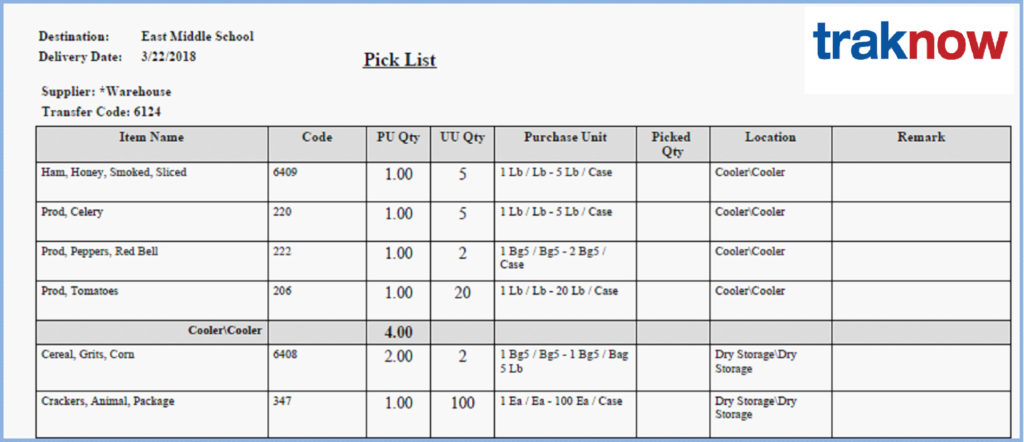
MANAGE DISTRIBUTION
Add last minute orders, edit and print shipping documents
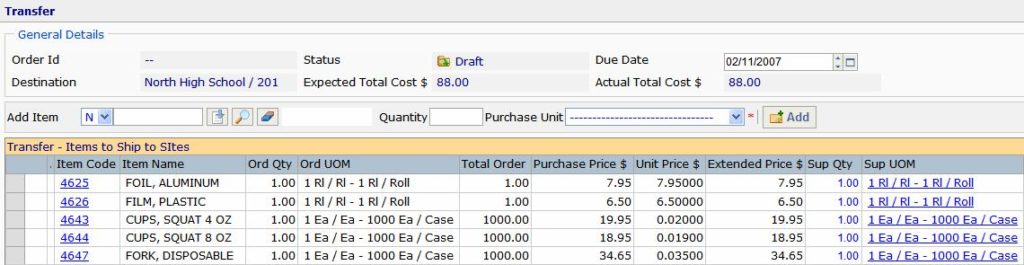
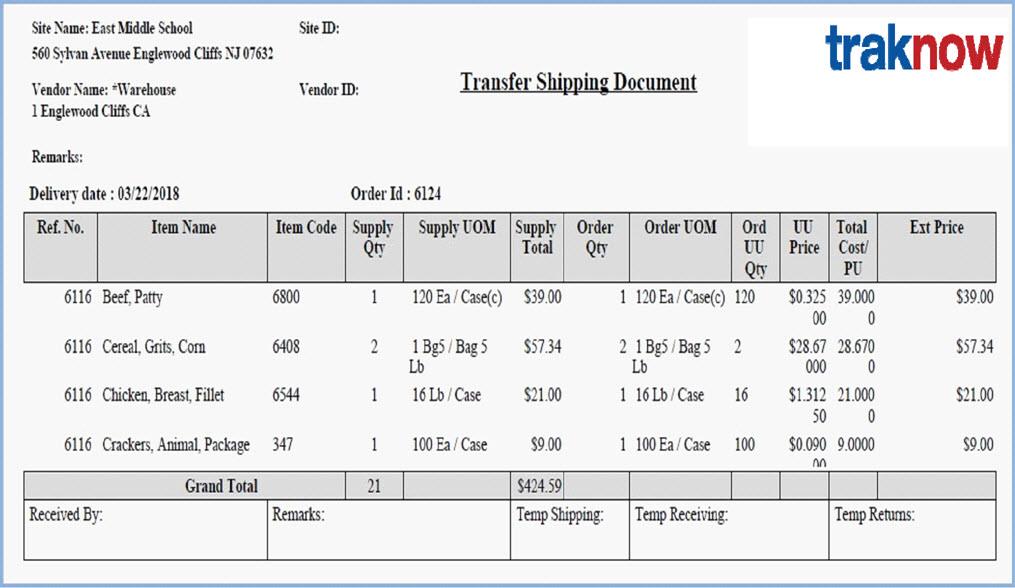
Virtual Stock Calculator finds potentially missing items and creates orders
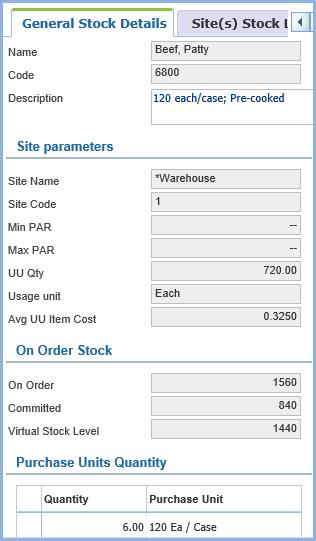
Virtual stock calculators find where you may come up short when ordering based on par and re‐order points. The virtual stock calculator is activated in a popup window whenever the user clicks on the Item Code in any screen in the system. In addition, orders may be created by clicking on the “missing item” button. On‐hand stock levels are compared to stock on‐order form suppliers and stock committed to requisitions. If at any time the virtual stock level falls below the re‐order point, the item is placed on a suggested order in the amount needed to fill maximum par.
Virtual Warehouses
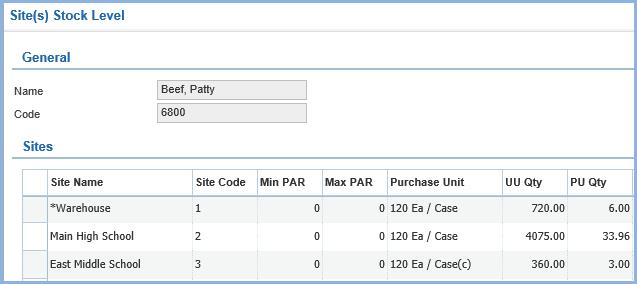
Any site can be designated to process requisitions and transfers. The second tab of the Virtual Stock Calculator displays stock levels at every site. If its too late to order an item from a supplier and the warehouse is short, the site user can quickly locate available stock anywhere in the district. This feature is also useful in identifying and distributing overstock at year end.
 Contact